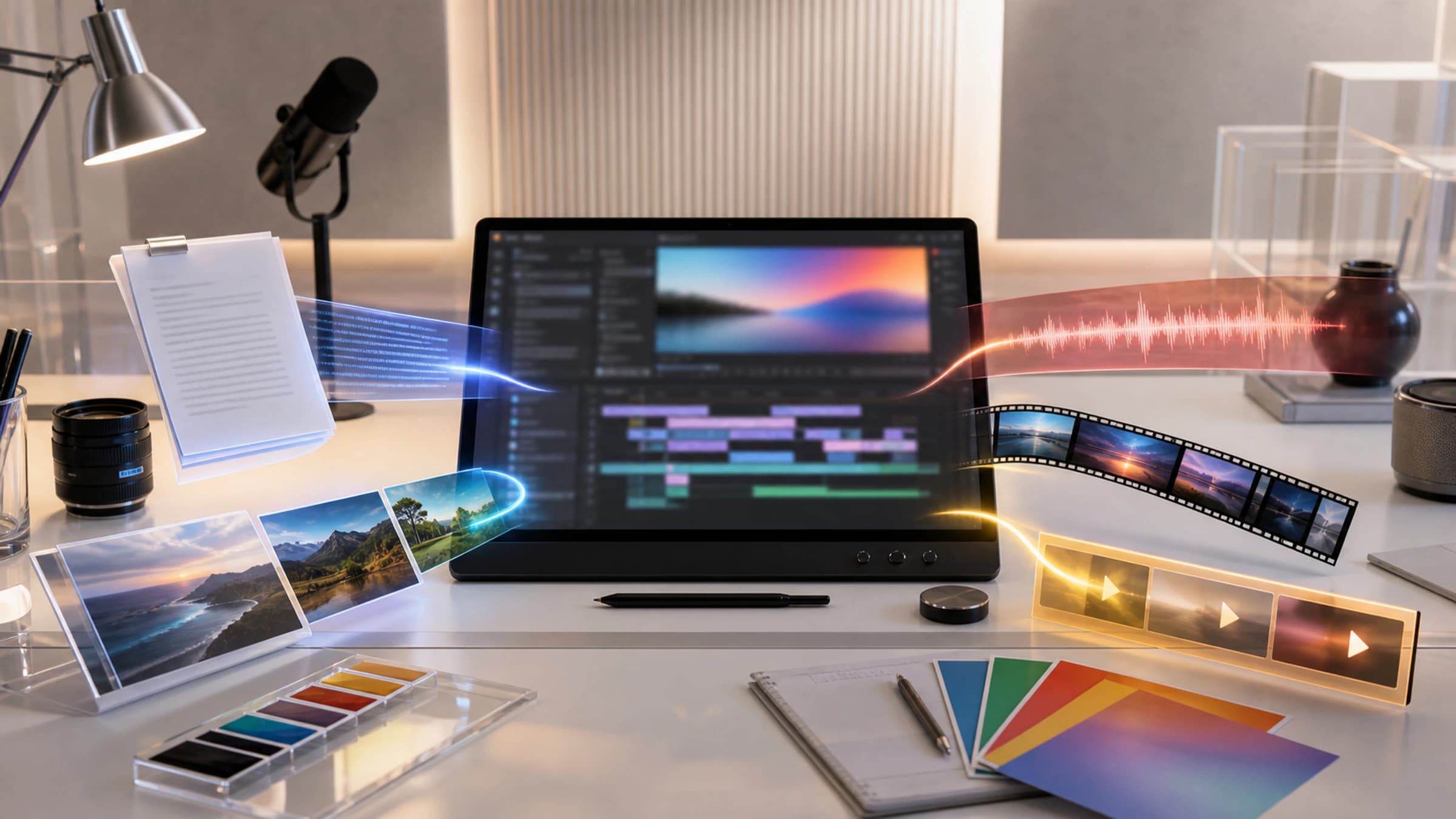
A video idea rarely arrives as a perfect text prompt. It may start with a sketch, a clip that needs changing, a spoken reference and a few sentences about mood. Gemini Omni is Google’s attempt to let creators bring those pieces together and edit the result by conversation. Its launch began with video, so the “anything from any input” slogan needs a closer look.
For the broader launch context, see our Google I/O 2026 Gemini overview.
What is Gemini Omni?
Gemini Omni is Google's multimodal AI model family for generation and editing across media. Its first model, Gemini Omni Flash, starts with video: users can combine text, images, video and voice references, then generate or revise videos through conversational prompts. Google says Omni Flash is rolling out through Gemini, Google Flow and YouTube Shorts; its API model catalogue now lists Omni Flash. At launch, audio input was limited to voice references; broader audio input was planned for later.
That short answer matters because Omni is not just another text-to-video demo. Google is positioning it as a model family where Gemini's reasoning meets generative media creation.
In plain terms:
- You can give Omni different types of inputs, not just a written prompt.
- The first public release focuses on video output.
- You can edit generated or existing video by asking for changes in conversation.
- Google says later output types, including image and audio, are planned.
- Every Omni-generated video should include Google's SynthID watermark.
Watch the official Gemini Omni video
Gemini Omni explained in simple terms
Think of Gemini Omni as a media model that accepts mixed references, then tries to make one coherent video from them.
A normal text-to-video prompt might be:
"Create a short video of a glass sculpture in a museum."
An Omni-style prompt can combine more context:
- a text instruction that describes the scene
- a reference image for the visual style
- a video clip for motion or structure
- a voice reference for the spoken performance
- a follow-up instruction such as "make the scene snowy" or "change the camera angle"
The difference is not only input variety. The claim is that Gemini can reason over those inputs, preserve context across turns and apply edits without restarting from scratch each time.
| Question | Short answer |
|---|---|
| What is it? | A Gemini model family for multimodal media generation and editing. |
| What is the first model? | Gemini Omni Flash. |
| What does it output first? | Video. |
| What inputs can it use? | Text, images, video and voice references at launch; broader audio inputs are planned. |
| Where is it rolling out? | Gemini app, Google Flow and YouTube Shorts. |
| Is it fully anything-to-anything today? | No. Google says video is first, with image and audio outputs planned later. |
Gemini Omni Flash: what Google actually launched
Google’s Gemini Omni announcement says Omni can "create anything from any input", but the practical launch is narrower and more useful to describe precisely.
The confirmed launch shape is:
| Area | What Google says | Practical reading |
|---|---|---|
| Model family | Gemini Omni | A new family, not a single one-off feature. |
| First release | Gemini Omni Flash | The fast, consumer-facing first model. |
| Output at launch | Video | The public rollout starts with video creation and editing. |
| Inputs | Images, video, text and voice references at launch | Google says broader audio inputs will follow; check the product surface before planning around them. |
| Editing style | Conversational, multi-turn | Users can revise video with follow-up prompts. |
| Product surfaces | Gemini, Flow, YouTube Shorts | Access depends on product, subscription tier and region. |
| Safety marker | SynthID watermark | Google says Omni-generated videos include imperceptible watermarking. |
| Future direction | Image and audio output later | The broader model-family promise is not fully shipped yet. |
This is why the safest description is: Gemini Omni is Google's video-first multimodal creation model family, with a broader any-input, many-output roadmap.
How Gemini Omni works for creators
For creators, the interesting part is not only that Omni can generate video. It is that it can use a mix of references and maintain context through edits.
Google highlights four creator-facing jobs:
- Create a video from mixed inputs. Start with text, an image, a video clip or audio reference, then ask Omni to produce a coherent video.
- Edit through conversation. Instead of rebuilding the whole clip, ask for the next change in natural language.
- Keep the scene coherent. Google says characters, physics and scene context should hold across multiple turns.
- Create with an avatar. Google says users can create videos with their own voice and digital avatar after a dedicated onboarding flow.
Those capabilities point to a workflow where the model is less like a one-shot generator and more like an editor that remembers the creative brief.
| Creator task | Omni use case | Why it matters |
|---|---|---|
| Social clip | Turn a prompt and visual reference into a short video | Faster ideation for Shorts and campaign concepts. |
| Product explainer | Use a sketch, voice note and text brief as references | Less time translating intent into a precise prompt. |
| Style revision | Ask for a new camera angle, setting or aesthetic | Edits can be conversational rather than destructive. |
| Personal avatar | Create videos featuring the user's own approved likeness | Useful, but sensitive because identity misuse risks are high. |
| Education clip | Ask for a short visual explainer of a concept | Strong fit when the model can reason over subject matter. |
Who can use Gemini Omni Flash?
Google says Gemini Omni Flash is rolling out through several surfaces, but availability is not uniform.
| Surface | Availability note | Caveat |
|---|---|---|
| Gemini app | Rolling out to Google AI Plus, Pro and Ultra subscribers globally | Subscription and regional availability still matter. |
| Google Flow | Rolling out for subscribers through Google's AI creative studio | Features may vary by tier, platform and region. |
| YouTube Shorts | Rolling out at no cost to Shorts users | The exact user experience may differ from Flow or Gemini. |
| Developer APIs | Google now lists Gemini Omni Flash in its API model catalogue; check current status and limits | The I/O promise was for later API access; consult the current model catalogue. |
| Enterprise | Google originally planned later API access; its current catalogue lists Omni Flash | Organisations should wait for terms, controls and pricing detail. |
For most readers, the practical advice is simple:
- If you are a creator, check Gemini, Flow and Shorts first.
- If you are a developer, check the current API model, region, quota and price before production work.
- If you work in a regulated organisation, wait for enterprise controls and policy detail.
Why Gemini Omni matters
Gemini Omni matters because it shifts video AI from "write a better prompt" toward "give the model more real context".
That has three big implications.
1. Gemini Omni prompting becomes more like briefing
A strong creative brief is often multimodal. It might include:
- a script
- a brand mood board
- a rough cut
- a voice reference for narration
- a written description of the soundtrack or mood
- examples of what not to do
Omni is built around that kind of input mix. If it works well, creators may spend less time compressing everything into one text prompt.
2. Gemini Omni editing becomes a conversation
The most painful part of AI video generation is often iteration. A clip looks close, then a small fix changes everything.
Google's pitch is that Omni can preserve the thread:
- change the environment
- alter the action
- refine the angle
- adjust a style
- keep character and scene continuity
That is the right direction for professional usefulness, even if real-world consistency still needs testing.
3. Gemini Omni moves multimodal models closer to world simulation
TechCrunch reported Google's framing that Gemini Omni is part of the move from predicting text toward simulating reality. That is a big claim, but it captures the strategic idea: video models need world understanding, not just pixels that look convincing.
Useful video generation requires the model to reason about:
- physics
- motion
- cause and effect
- cultural context
- object consistency
- timing
- narration
- visual style
Omni is Google's attempt to combine that reasoning with media generation.
Gemini Omni vs Veo, Imagen and Nano Banana
Google already has strong generative media systems. Omni's role is easier to see when compared with the rest of the stack.
| Google model or product | Main role | How Omni differs |
|---|---|---|
| Gemini | General multimodal reasoning and assistant layer | Omni brings that reasoning into media generation and editing. |
| Veo | Cinematic video generation | Omni is positioned around any-input references and conversational editing. |
| Imagen | Image generation | Omni starts with video output, with image output planned later. |
| Nano Banana | Fast image editing and creation in Gemini | Google DeepMind compares Omni to Nano Banana, but for video. |
| Flow | AI creative studio | Flow is one place where creators can use Omni alongside other Google media models. |
This suggests Omni may become a coordination layer for media work, while models such as Veo and Imagen remain specialised pieces of Google's creative system.
Gemini Omni safety, SynthID watermarking and deepfake risks
The strongest version of Omni also creates the strongest safety concerns. A model that can edit video, use audio, create avatars and preserve identity across clips can be useful, but it can also be misused.
Google's announced safeguards include:
- SynthID watermarking. Google says all Omni-generated videos include an imperceptible SynthID digital watermark.
- Verification surfaces. Google says users can verify Omni-generated videos through the Gemini app, Gemini in Chrome and Google Search.
- Avatar onboarding. Google says users creating videos with their own voice and avatar go through a dedicated setup flow.
- Policy controls. Google says it has policies governing harmful uses of its AI tools.
The caveat is that watermarking is not the same as prevention. It helps with detection and provenance, but institutions still need policy, consent and review processes.
| Risk | Why it matters | What to watch |
|---|---|---|
| Deepfakes | Video plus voice plus avatar tools can imitate identity | Strength of onboarding, consent and abuse reporting. |
| Misleading edits | A real clip could be transformed into a false scene | Clear labelling and reliable verification workflows. |
| Brand misuse | Creators may imply product or celebrity endorsement | Rights controls and platform enforcement. |
| Watermark stripping | Bad actors may try to remove or evade signals | How robust SynthID verification remains outside Google products. |
| Over-trust | Viewers may assume polished clips are accurate | Media literacy and source context still matter. |
Gemini Omni limits and open questions
There are several important unknowns.
- Quality under pressure. Official demos are curated. Real prompts, messy references and repeated revisions will tell us more.
- Video length. TechCrunch reported that Gemini Omni Flash can render 10 seconds of video, while longer durations are in the pipeline.
- API pricing. The I/O post did not establish current API pricing or limits; check Google’s API documentation.
- Regional access. Google and Flow both note that features may vary by subscription tier, platform and region.
- Professional controls. Teams will need rights management, audit trails, approval workflows and brand guardrails.
So the right posture is excitement with a checklist, not blind adoption.
Example: turning a rough brief into a reviewed clip
Start with a product sketch and a short brief: a five-second close-up, soft daylight, no invented labels and no human likeness. Generate a draft, then ask Omni to change one thing at a time, such as the camera angle or background. Review the entire clip after each edit; a locally improved frame can still introduce a false product detail elsewhere.
Before publication, compare the generated object against the real product, confirm the rights to any reference image or audio, check captions and claims, and keep a human sign-off. Google says Omni videos use SynthID, but a watermark does not establish that the depicted claims, people or products are authentic.
Practical checklist before using Gemini Omni at work
Before a team uses Gemini Omni for business content, check these items.
| Decision | Ask this before rollout |
|---|---|
| Access | Which users have Gemini, Flow or Shorts access in our region? |
| Rights | Do we own every input image, clip, audio file and likeness reference? |
| Consent | Has every person whose voice or avatar is used given clear permission? |
| Review | Who approves generated video before it is published? |
| Disclosure | When do we label video as AI generated or AI edited? |
| Storage | Where are prompts, source files and final clips retained? |
| Watermarking | How do we verify SynthID or other provenance signals later? |
| Brand safety | Which claims, logos, products or people are off limits? |
For creators, a lightweight rule is enough: treat Omni as a production assistant, not a final authority. Use it to explore and draft, then review every frame, claim and likeness before publication.
FAQ about Gemini Omni
Is Gemini Omni available now?
Google says Gemini Omni Flash is rolling out through the Gemini app, Google Flow and YouTube Shorts. Availability can depend on subscription tier, platform and region.
Is Gemini Omni the same as Veo?
No. Veo is Google's dedicated video generation model line. Omni is positioned as a Gemini model family that combines multimodal input, reasoning and conversational media editing, starting with video.
Can Gemini Omni create audio and images?
Not as the main public launch promise today. Google says Omni starts with video and that output modalities such as image and audio will be supported in time.
Does Gemini Omni support APIs?
Google’s I/O announcement said API access would follow the consumer launch. Availability has since moved: the Gemini API model list now lists Gemini Omni Flash. Developers should check that listing for the current endpoint, preview or stable status, supported regions, quota and pricing before planning production use.
Are Gemini Omni videos watermarked?
Google says all videos created with Omni include SynthID, its imperceptible digital watermark. Google also says verification is available through Gemini, Gemini in Chrome and Google Search.
Should creators use Gemini Omni now?
Creators should experiment if they have access, especially for short-form video ideation, reference-based edits and early concept testing. For commercial use, keep human review, consent checks and disclosure rules in place.
What to watch next for Gemini Omni
Gemini Omni is a serious signal about where Google's creative AI stack is heading. The first release is not the whole destination. It is the opening move.
The most important things to watch are:
- how well Omni handles messy real-world references
- whether multi-turn video edits stay coherent after several changes
- how the Shorts experience differs from Flow and Gemini
- what API pricing and usage limits look like
- how Google handles avatar consent, watermark verification and abuse reporting
- whether Omni becomes a standalone model family or a background layer inside Google's creative tools
For now, the cleanest summary is this: Gemini Omni is Google's video-first attempt to make AI media generation feel less like prompting a slot machine and more like briefing a creative editor.