
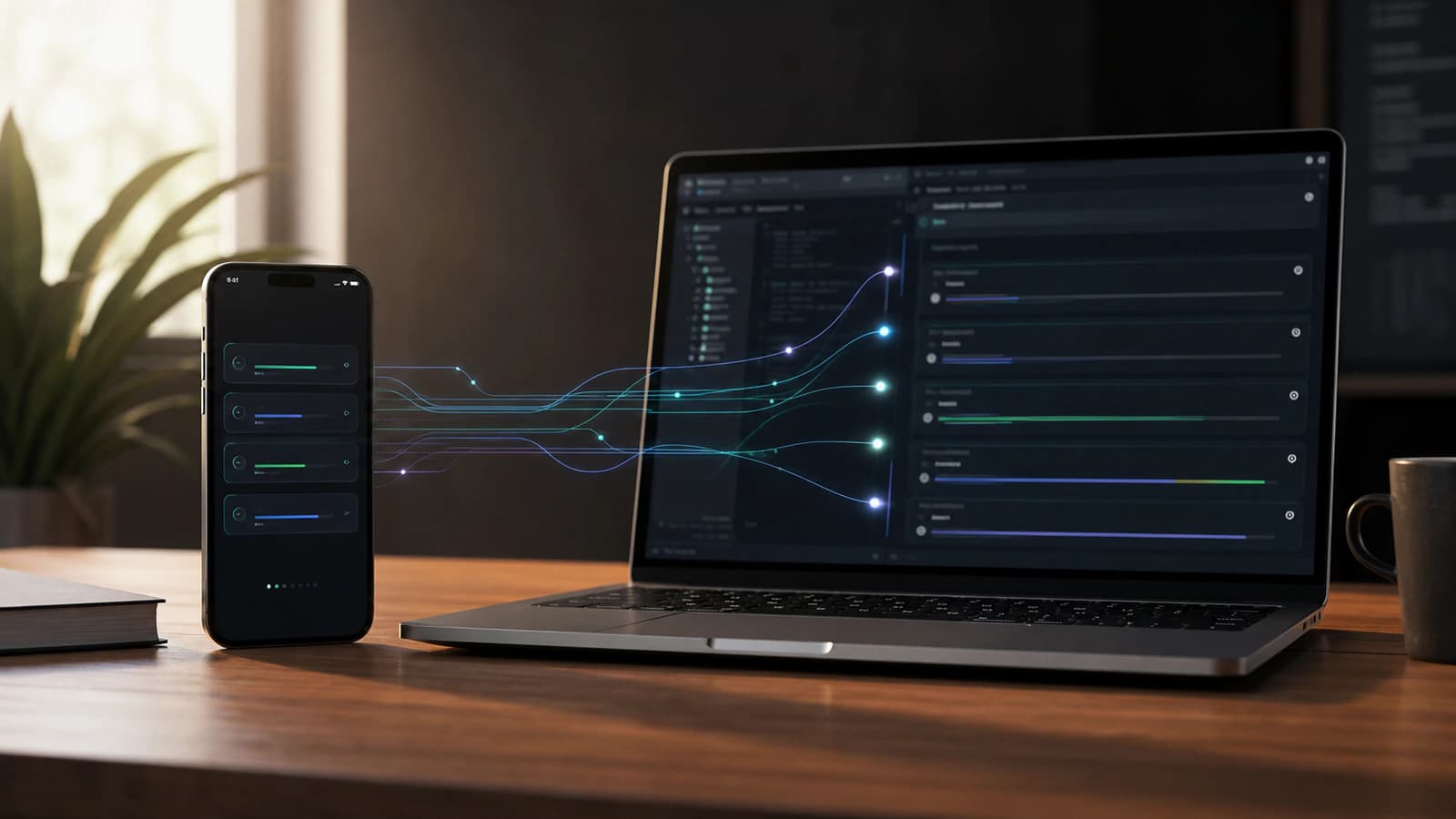
Your coding agent has finished its test run, but you are away from your desk. Can you review the result, answer a question and keep the task moving from your phone? Codex Remote is built for that handoff. The project still runs on a connected computer; the ChatGPT mobile app gives you a way to guide and review the work.
This is not really about turning your phone into a tiny IDE. Nobody sensible wants to review a gnarly refactor through a six-inch keyhole while standing in a coffee queue. The more interesting story is that Codex work can now stay connected to you when the next decision happens away from your desk.
OpenAI introduced mobile access on 14 May 2026. On 25 June, Codex Remote reached general availability and added authenticated one-to-one QR pairing between each phone and host. Its connected host can be a Mac or Windows PC, subject to rollout and workspace settings. The May preview terms below are part of the launch history, not the current setup requirements.
That sounds simple. It is not. It changes Codex from something you only supervise while sitting at the machine into something closer to an active work thread you can steer from wherever you are.
What can Codex Remote do on mobile?
Codex mobile lets users supervise Codex work from the ChatGPT mobile app. You can start or continue threads, approve actions, answer questions, review outputs, inspect live context such as diffs and test results, and move between connected hosts while execution continues on the host machine.
Codex Remote: May preview and June general availability
At the 14 May announcement, mobile access was a preview linked to a Mac running the Codex app. OpenAI’s 25 June changelog says Codex Remote reached general availability and supports connected Mac or Windows hosts. Current access still depends on the app versions, workspace controls and rollout. Check the Remote setup page for the actual connection steps.
The basic idea is remote supervision. Codex keeps operating on the connected host, while the phone becomes a lightweight control surface. From mobile, you can send follow-up instructions, approve actions, review what Codex found, and keep a coding task moving when it would otherwise pause and wait for you.
For setup, update the ChatGPT mobile app and the Codex app on the connected Mac or Windows PC. Start the connection on the host, scan its authenticated QR code with your phone, sign in to the same account and workspace, and keep the host awake and online. Your organisation may require an administrator to enable remote access.
The host requirement changed after the launch. The original preview used a Mac host, but OpenAI’s 25 June update lists connected Mac and Windows hosts. The current setup uses authenticated QR pairing. An older, inactive pairing may need to be created again; update both apps before troubleshooting.
Codex Remote mobile features in ChatGPT
The most useful way to understand Codex mobile is as a set of control features around long-running agent work.
Here are the core features OpenAI is putting into the mobile experience:
- Start new Codex threads from the phone.
- Continue existing Codex threads already running on the host.
- Answer Codex questions when a task needs clarification.
- Redirect the agent when the implementation path changes.
- Approve commands and other actions from mobile.
- Review outputs, diffs, test results, screenshots, and terminal output.
- Move between connected hosts and active threads.
- Receive attention prompts when Codex completes work or needs a decision.
That is a very different product shape from a mobile coding editor. The phone is not where the repo magically lives. It is where the next human judgement can happen.
How Codex Remote connects a phone and host
The most important technical detail is that the phone does not become the development environment.
OpenAI's remote connections documentation says remote access uses the connected host's projects, threads, files, credentials, permissions, plugins, Computer Use, browser setup, and local tools. In plain English: the host still has the working environment, and the phone talks to Codex running there.
That distinction is the whole product.
The phone handles prompts, approvals, follow-up messages, and review moments. The host handles the actual work surface: files, shell commands, tools, plugins, browser context, screenshots, tests, and whatever project state Codex needs to operate safely.
This is why the feature is more powerful than a notification feed but less reckless than "run my whole development environment from my pocket". Codex mobile gives you reach. It does not remove the need for a trusted host.
Live Codex context: diffs, screenshots, tests, and terminal output
The killer feature is not that you can type into Codex from mobile. You could already type into plenty of things from mobile.
The useful part is the live context.
OpenAI says the mobile experience can surface project context, approvals, plugins, screenshots, terminal output, diffs, and test results from the machine where Codex is operating. That matters because approvals without evidence are just fancy guessing.
If Codex asks whether it should proceed with a change, the answer should depend on what it found. A screenshot can show whether a UI fix worked. A diff can show whether the change stayed inside the intended files. A test result can show whether the obvious thing broke. Terminal output can show whether the environment is doing what Codex thinks it is doing.
That evidence layer is what makes mobile supervision plausible. Without it, you are just poking buttons in the dark, which is rarely how great software happens.
Codex mobile availability and setup requirements
Codex Remote reached general availability on 25 June 2026. Use the ChatGPT mobile app on iOS or Android with an authenticated connection to a Mac or Windows host. Availability can still depend on rollout and workspace settings. The phone sends instructions and approvals; project files, tools and execution remain on the connected host.
To use it, OpenAI says you need:
- Codex access in the relevant ChatGPT account and workspace.
- The latest ChatGPT mobile app on iOS or Android.
- The latest Codex app running on a Mac or Windows host.
- The same account and workspace selected on both phone and host.
- The host awake, online, signed in, and running Codex.
Enterprise and Edu users may have additional workspace controls. OpenAI says mobile setup can require Remote Control access to be enabled by an admin, and may involve SSO, multi-factor authentication, or passkey steps.
That is not a minor footnote. In a work setting, Codex mobile is not just a personal convenience feature. It touches approval flows, host access, endpoint policy, and the question of who is allowed to steer agent work remotely.
Why Codex mobile matters for AI coding agents
The bigger shift is that AI coding is becoming less like a single prompt-response interaction and more like an operating rhythm.
Codex can work across files, run commands, inspect outputs, and continue longer tasks. The limiting factor is often no longer "can the model produce code?" It is "can the human give direction at the right moment?"
That is where mobile access matters.
An agent can be blocked for a surprisingly small reason. It needs approval to run a command. It has two possible implementation paths. It found a failing test and wants to know whether to fix the test or the code. It finished a first pass and needs you to review the diff before going further.
Before Codex mobile, those moments waited for you to return to the desk. Now, at least for lower-risk decisions, you can keep the thread moving.
This is the boring-sounding productivity gain that actually compounds: less idle time between agent progress and human judgement.
Codex Remote limits and misconceptions
Codex mobile is not a replacement for deep desktop review.
It is not where you should approve a thousand-line production migration while half-reading the screen. It is not a reason to relax security controls. It is not magic permission to let an agent run loose because you can technically tap approve from anywhere.
The better mental model is triage, supervision, and unblock.
Use the phone for decisions that are clear, bounded, and supported by evidence. Approve a safe next step. Answer a clarification. Review a screenshot. Send Codex down one branch of an investigation. Ask for a cleaner diff. Tell it to stop and summarize.
Then save the heavier decisions for the big screen, a calm brain, and ideally a coffee that has not gone cold through neglect. We are pro-agents here, not pro-chaos.
A safe mobile review in five minutes
Suppose Codex says it fixed a failing checkout test. On your phone, read its summary and the test result, then open the changed-file list. Check that it touched the intended module and did not alter payment settings or unrelated files. If the diff is too large to assess on a small screen, ask it to explain the change and leave the final approval for desktop review. Approve a bounded next step only when you understand what it will do.
The phone is useful for clearing a question such as “Should I keep investigating the test failure?” or “Can I run this read-only diagnostic?” It is a poor place to sign off a broad release just because a green checkmark appeared. The current Remote guide shows progress, approvals, diffs and test results as part of this review loop.
How teams should use Codex mobile first
The teams that get the most from Codex mobile will not be the teams that approve everything faster. They will be the teams that design better checkpoints.
Start with tasks that have a clear outcome and low blast radius:
- Investigate why a test is failing and report the likely cause.
- Reproduce a UI bug and capture screenshots.
- Compare two implementation approaches before changing code.
- Draft a small patch and pause for review.
- Run a narrow test suite and summarize failures.
Then define what Codex should show before asking for a decision:
- A short summary of what it changed or found.
- The relevant diff.
- Test output.
- Screenshots for frontend work.
- Any assumptions or risks.
- The recommended next action.
That is the workflow sweet spot. Codex does the work. The host keeps the environment intact. The phone keeps the human close enough to steer without being chained to the chair.
Why mobile review changes Codex workflows
The phrase "Codex mobile" sounds like the story is about screen size. I do not think it is.
The story is decision latency.
AI agents are getting better at doing longer pieces of work, but long work creates more handoff points. Someone has to set the goal, approve risk, inspect evidence, redirect when the path is wrong, and decide when the output is good enough.
Codex mobile makes those handoff points less fragile. That is useful. It also means teams need better habits. If your Codex tasks are vague, your approvals are sloppy, and your evidence is weak, mobile access will just help you make bad decisions from more places. Congratulations, you have invented portable chaos.
But if the work is structured well, this becomes genuinely powerful. The phone becomes the steering layer. The host remains the execution layer. Codex becomes less like a tool you open for a one-off request and more like a set of active threads you manage over time.
That is the real announcement hiding inside the mobile feature.
Codex Remote mobile FAQs
What is Codex mobile?
Codex Remote is OpenAI’s mobile way to start, guide, approve and review Codex tasks. The work runs on a connected Mac or Windows host, while the phone acts as the control surface. It moved from a May preview to general availability on 25 June 2026.
Is Codex mobile available on iOS and Android?
Yes. OpenAI’s current Remote documentation covers the ChatGPT mobile app on iOS and Android. The June 2026 changelog records general availability; access may still depend on your workspace settings and rollout.
Does Codex mobile replace the IDE?
No. Codex mobile is better understood as a mobile control and review layer. The connected host still provides the project files, shell, tools, permissions, browser setup, and local development context.
What can you review from Codex mobile?
OpenAI says the mobile experience can show live context from the host, including approvals, screenshots, terminal output, diffs, test results, plugins, and project context.
Does Codex mobile work with Windows hosts?
Yes. OpenAI’s June update says Codex Remote can connect to a Mac or Windows host. Pair the phone and computer through the current authenticated QR flow, and keep the host awake and online.
What is the best first workflow for Codex mobile?
Start with small, low-risk Codex tasks that produce clear evidence: bug investigations, screenshots, narrow test runs, small diffs, and summaries that pause for approval before broader changes.